ToMe
Save to Self
Capture now, retrieve instantly when it actually matters.
The organized version of sending things to yourself. Save from any app, drop it in a Space, and find it again when you need it.
- First 10 saves free
- Search by words or meaning
- iCloud sync included
- Runs on
- iPhone, iPad, Mac
- Speaks
- 10 languages
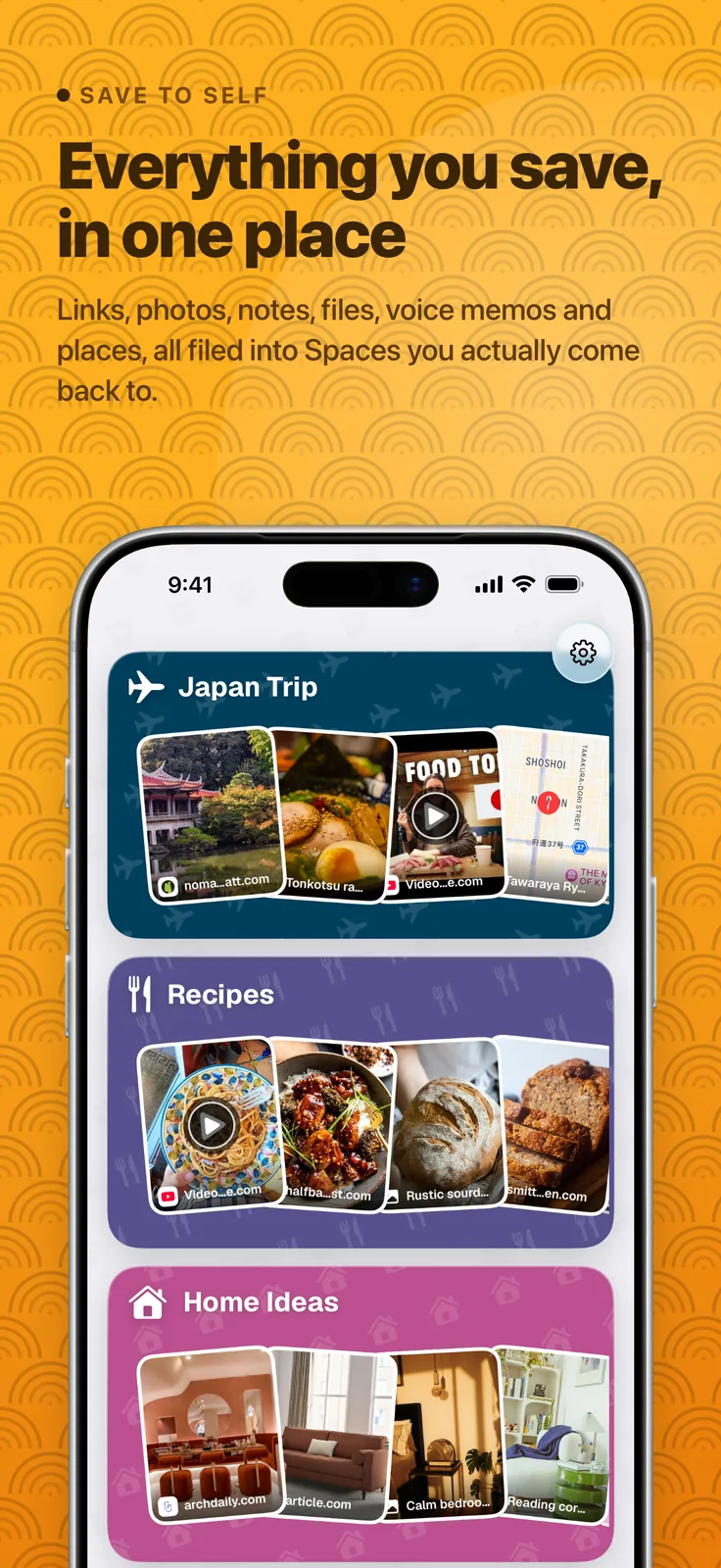
We all do it: send ourselves links, photos, notes, and files in chat. Then everything gets buried.
ToMe is the organized version of sending things to yourself. Save anything from any app in a couple of taps, organize it into a Space, and find it again when you need it.
Search by words or by meaning, share a Space with someone else, and let ToMe do some of the filing for you — on iPhone, iPad, and Mac. Your first 10 saves are free, with no trial to start and no card needed.
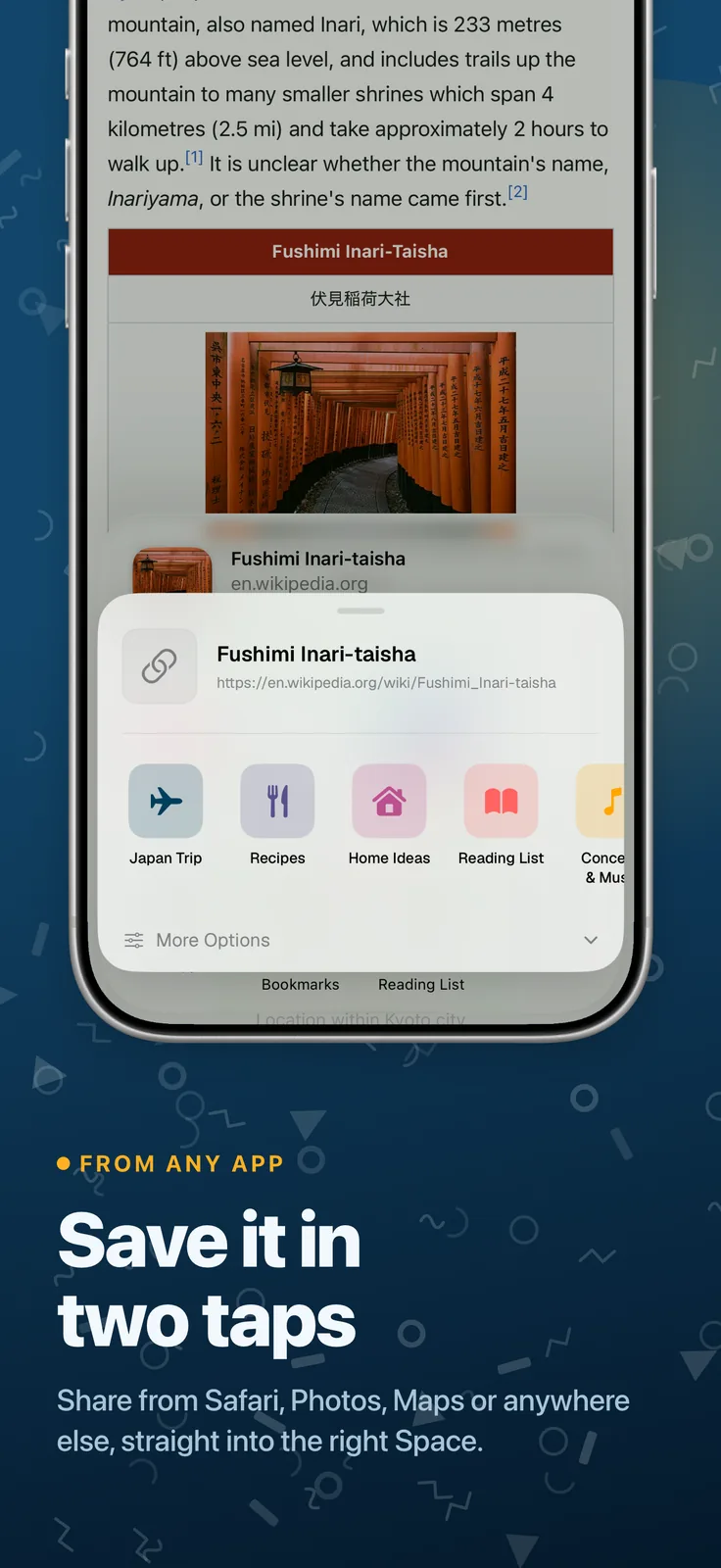
Save from anywhere
- Use the Share menu in any app
- Links, photos, notes, files, locations, and voice memos
- Rich previews for links and maps
- Drag files in from Finder on Mac
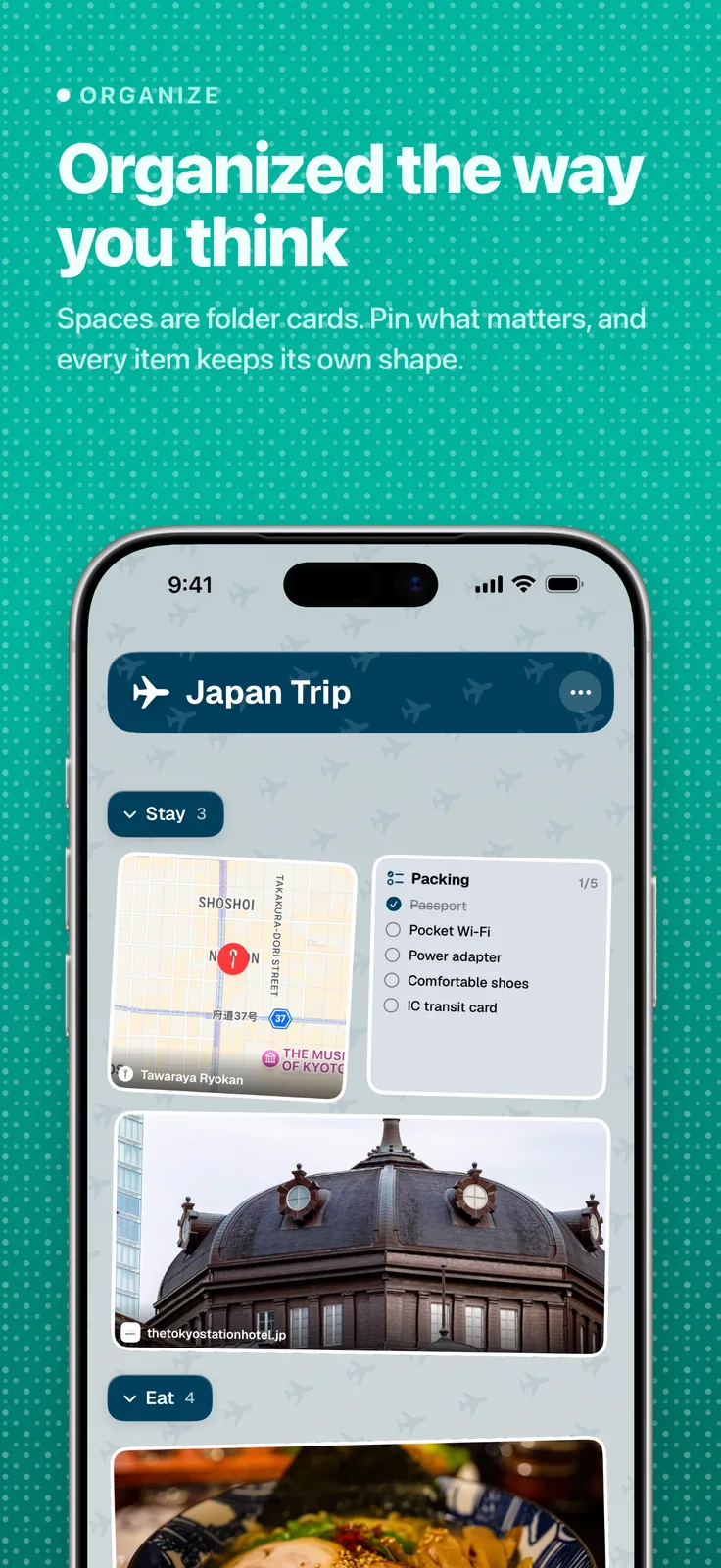
Organize it your way
- Create a Space for recipes, trips, ideas, or work
- Divide busy Spaces into sections, and pin what matters
- Tags, notes, reminders, and checklists
- Protect private Spaces with Face ID
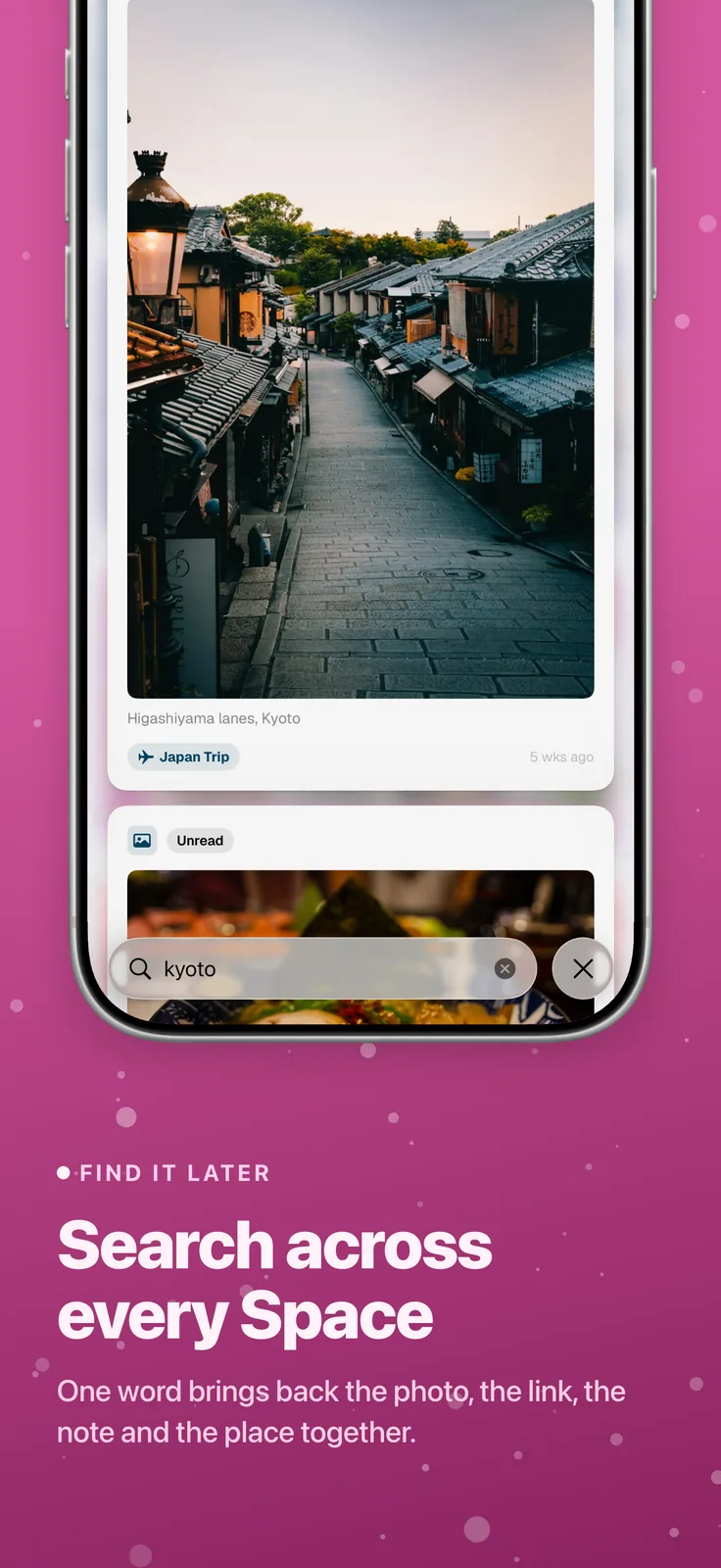
Find it again
- Search across every Space by words or by meaning
- Open saved items straight from Spotlight
- Widgets for recent saves, reminders for the rest
- Read saved articles offline
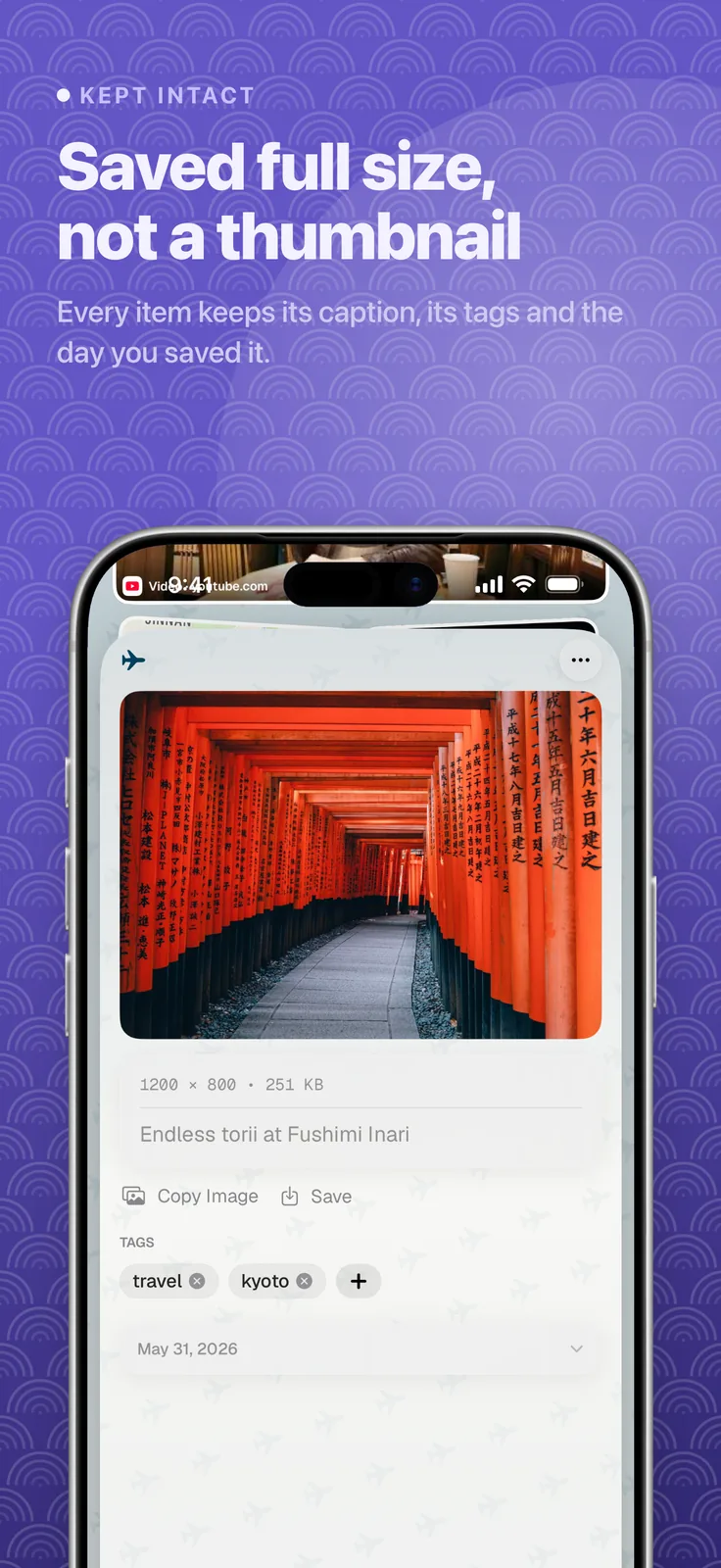
Share a Space, and let ToMe file
- Share a Space with read-only or editing access
- Suggested tags, plus summaries for links and documents
- Voice-memo transcription with Apple Intelligence on supported devices
- Archive, restore recently deleted saves, and export backups
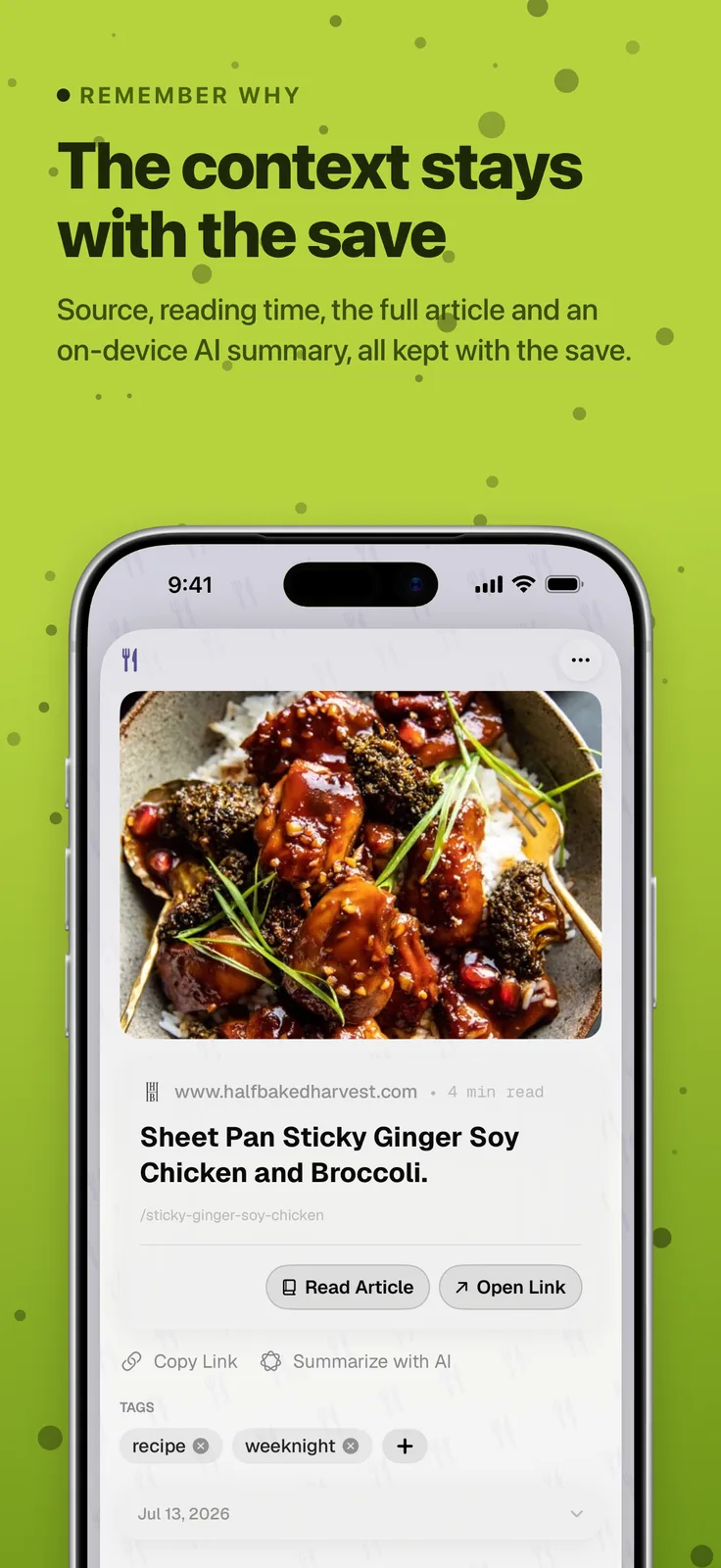
Try it first
- Your first 10 saves are free, with no subscription
- No trial to start and no card needed
- What you save stays yours to read, search and export
- After that, a subscription keeps you saving
Screens
Select one to see it full size.
Available in
- English
- Spanish
- German
- French
- Italian
- Dutch
- Portuguese
- Japanese
- Korean
- Chinese